

If your work email wouldn't load on Thursday or Friday, you weren't alone. A Microsoft outage knocked out Outlook email and disrupted Teams and other Microsoft 365 services for businesses, governments and ordinary users around the world, for well over a day.
By Friday, Microsoft said email service was getting back toward normal, according to TechRadar and BleepingComputer. Here's what happened, what Microsoft says caused it, and what you can do if it happens again.
What happened
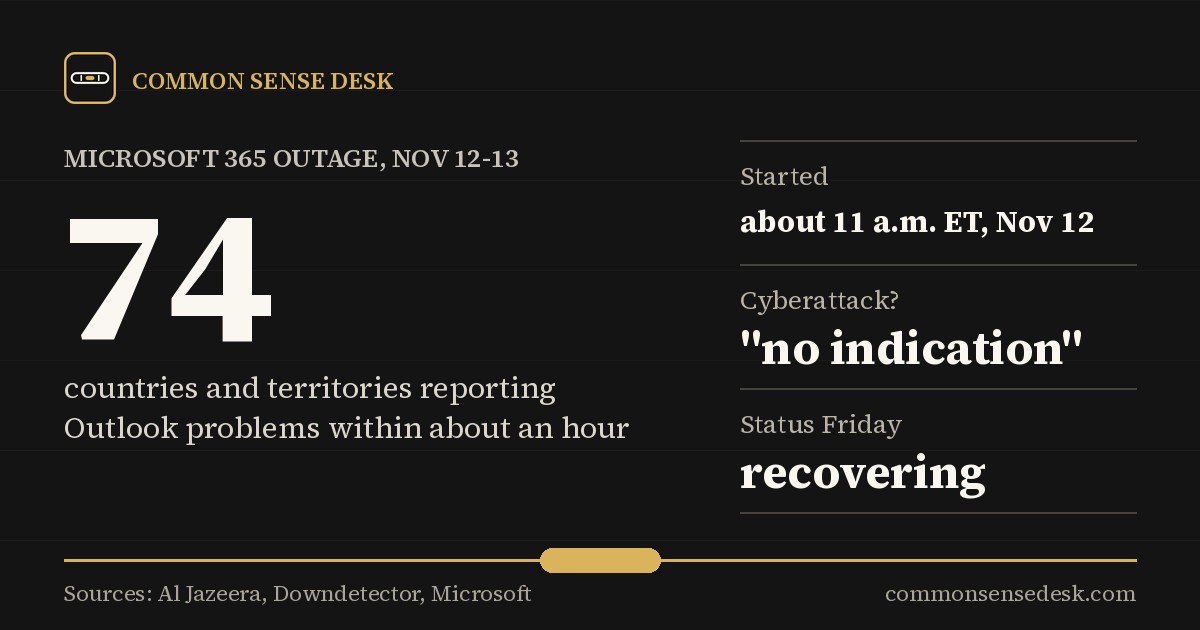
Problems started around 11 a.m. Eastern (4 p.m. GMT) on Thursday, November 12, when people began reporting they couldn't get into Outlook, according to Al Jazeera. Within about an hour, the outage tracker Downdetector had reports from 74 countries and territories.
It ran through the U.S. workday and into the night. By Friday morning in Europe, it still wasn't fixed, and some servers Microsoft had restored were failing again. More than 12 hours in, Microsoft said it had only "marginal success" in restoring service, Al Jazeera reported. At one point Friday morning, Downdetector had at least 43,000 Outlook problem reports from 72 countries, and the real number was likely much higher.
Who was hit
- Outlook email was hit hardest. People couldn't open their mailboxes on the web, in the app or on their phones, and many emails arrived late.
- Teams had problems too, though chats and calls mostly kept working.
- Governments: systems in Singapore and Japan, the Supreme Court of the Philippines, and Australia's federal police and its intelligence agency were among those affected, according to Al Jazeera.
- Businesses: financial firms, airlines and other companies on several continents reported disruptions, according to The Next Web.
What Microsoft says caused it
Microsoft hasn't published a final cause yet. Here's what it has said, according to Al Jazeera:
- Some of its servers "became unexpectedly unavailable," which overloaded the system in several regions. It said the overload wasn't caused by more people using the service.
- On Friday, it was rolling back a network change it had made, but it didn't say that change was to blame.
- It doesn't look like an attack. Microsoft executive Charles Lamanna said in a social media post that "there is no indication this is the result of malicious or cyber activity." Australia's home affairs minister, Tony Burke, said Microsoft told him it didn't believe a cyberattack was involved and described the problem as "an update that has gone awry."
Microsoft also warned that service would come back gradually as apps reconnect, not all at once.
It's not the first time
Microsoft 365 was down across North America for almost 10 hours in January, which Microsoft blamed on heavy load during maintenance, and thousands of Outlook users were locked out in late August, according to Al Jazeera. Other big outages include the faulty CrowdStrike update that crashed computers worldwide in July 2024, and an Amazon Web Services outage that took down many websites and apps in October 2025.
The common thread: a huge share of the world's work now runs through a handful of tech companies. When one of them has a bad day, millions of people do too.
What to do if it happens again
You can't fix Microsoft's servers, but a few simple habits make an outage a lot less painful:
- Check before you troubleshoot. If email won't load, look at Microsoft's service status page or an outage tracker before restarting everything or resetting your password. If it's a big outage, nothing on your end will fix it.
- Use the desktop app if you have it. The Outlook desktop app often still shows emails that were already downloaded, even when the web version won't load.
- Keep a backup way to reach people. Have phone numbers for your boss, key coworkers and important customers saved on your phone, not just in your email.
- Save the important stuff. Keep copies of key documents, tickets and confirmations somewhere you can reach without logging in, such as a PDF on your phone.
- Don't fall for "fix it" scams. Outages bring fake emails and texts asking you to "verify your account." Microsoft won't ask for your password that way. When in doubt, don't click.
- For small businesses: think about what you'd do for a day without email, such as a shared phone line, a text group, or a second email provider for emergencies.
What it means for you
For most people, this was a lost day of email, not lost data. There's no sign anyone's information was stolen. But it's a good reminder that "the cloud" is just somebody else's computers, and they break sometimes. A little planning ahead is common sense.
What to watch next
- Microsoft's final explanation of what went wrong.
- Whether businesses or governments ask for compensation or changes after this outage.
Sources
- Al Jazeera: Microsoft hit by global outages, what happened and why aljazeera.com
- TechRadar: Microsoft outage live, Outlook and Teams returning to normal levels techradar.com
- BleepingComputer: Massive Microsoft 365 outage disrupts Outlook, Teams worldwide bleepingcomputer.com
- The Next Web: Microsoft's Outlook and Teams outage passes 12 hours thenextweb.com